Something old, something new. Of course exploits and chiptunes have always gone together like bread and butter. But now exploits need marketing committees too.
Listening to that put me in a good mood :)
  > Bypassing EULA...
  > EULA served over HTTP
  > MiTMing EULA to include permissive clauses...
> EULA bypassed using technique [1]No it's not, it's my hardware! I understand the docsis 3.0 spec says otherwise, but I disagree with it. So I call my ISP (Suddenlink), and lo and behold, they say it's not supported and therefore won't update my firmware.
Now I find out it's probably backdoored!
You know, when the NSA and everyone else start talking about cybersecurity, I don't fucking beleive a word of it anymore, because if they were really concerned about security, they would be pushing for open source firmware modems, and would be letting these companies know about the vulns and pushing them to close them. Instead they sit on the 0-days like a treasure trove of new weapons.
The cable company is free to push whatever firmware they would like to your device at any time, you don't have a choice in the matter.
[1] https://twitter.com/todb/status/648956328292057088
[2] http://www.rapid7.com/db/search?utf8=%E2%9C%93&q=SB6141&t=a
Also, the URL http://192.168.100.1/cgi-bin/tech_support_cgi is not present on the 6141's
https://s3.amazonaws.com/tomschlick-screenshots/BGYfaCbLVEsB...
http://forums.xfinity.com/t5/Home-Networking-Router-WiFi/Xfi...
I mean, your ISP does not need any access to your edge router if the ISP gives you a standard Ethernet socket. How standardized are cable interfaces? What kind of custom setup may they legitimately need to work in a particular cable network?
So yeah, it's your modem, but they won't let you use their network unless you're using one of their approved modems that they know are reliable and that they can manage updates on because just one person can unknowingly screw it over for a large chunk of people.
A comment I posted about this a few years ago: https://news.ycombinator.com/item?id=6998650
Of course, most consumers go with whatever hardware their provider gives them (usually a gateway to provide Wifi). This presents it's own problem: in the US, cable companies are trying to set up mesh networks/guest access, and so those gateways may be running a second semi-public as a node on the mesh.
"TWC WiFi", and "CableWifi", both unsecured (!!!), and then "TWC WiFi Passpoint" (which requires a TWC subscription to use.)
I sure wish people wouldn't blindly trust the cable technician to configure their wireless network properly. Now there's just tons of RF noise, and people can leech bandwidth off our building. -- I frankly find it ridiculous, given the premium we pay for commercial internet (which is slower than my residential subscription), that we are expected to share it with their "mesh network."
These POCs never include enough information for me. For instance, is this exploitable from the external interface, or only internal?
Reminds me of the inane SNL sketch, whose catchphrase was: "New Shimmer is both a floor wax and a dessert topping!"
My Arris (nee Motorola) SB6141 is a bridge and a router. It's actually very nicely done.
When the modem can't access the cable infrastructure, it turns itself into a DHCP server and hands out IP addresses in the range 192.168.100.xx. This is useful for people at home whose configurations are such that their home networks won't work properly without some sort of DHCP server provided by the ISP.
Once the modem can talk to the ISP, it turns itself into a bridge. The IP addresses the modem previously issued were valid for 30 seconds, so there will shortly be a new DHCPREQUEST which the modem bridges out to the ISP. From then on, the modem is transparent to IP traffic (but see below).
My definition of cable modem doesn't include an IP address.
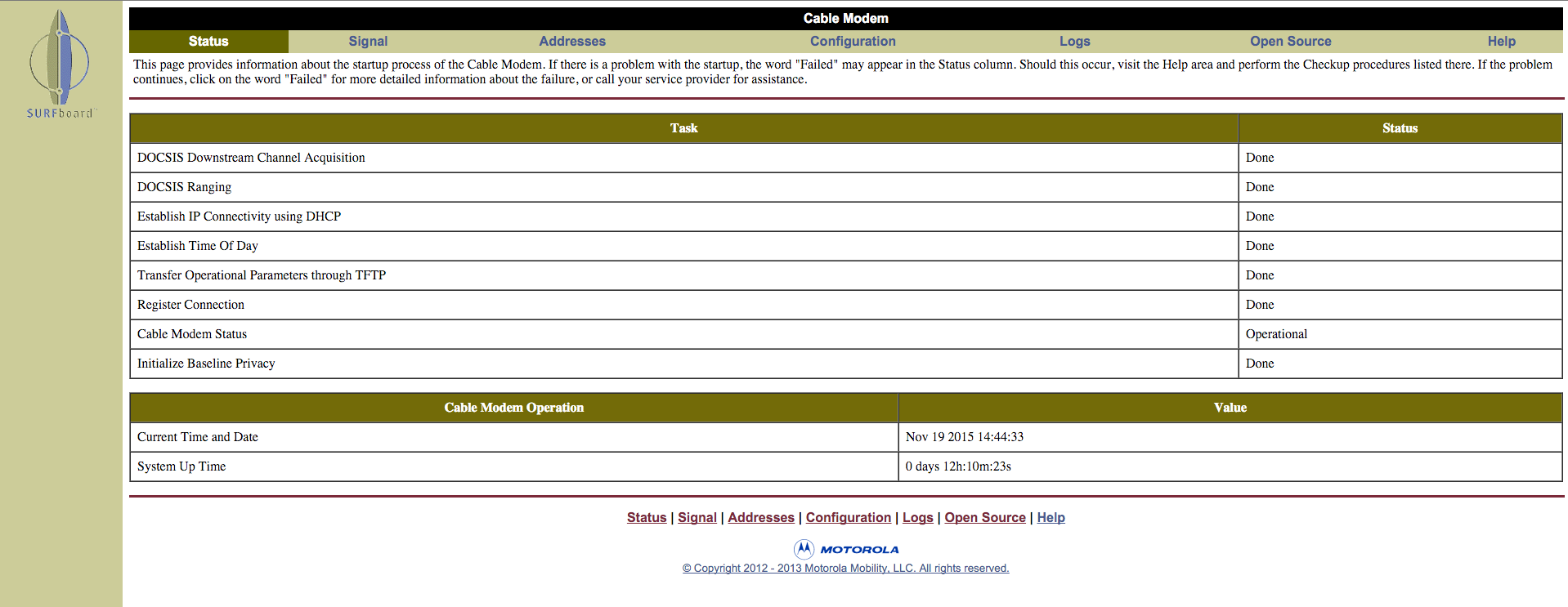
This is highly useful. Once the modem has switched to being a bridge, it still responds to 192.168.100.1. There's all sorts of useful information there. E.g. DOCSIS status, Channel IDs, received Signal to Noise ratio, transmit Power Level, etc. There's even a nice (but short) log of the modem's interaction with the cable infrastructure.
The modem is outside my firewall, so I don't really worry about it much. It's like anything else on the Internet as far as my home network is concerned.
However, I do currently allow access to 192.168.100.1 (normally I block outbound RFC 1918 addresses). That is a potential problem should some rogue program on my network attempt to exploit a modem vulnerability. Maybe I'll just block all those addresses and only enable them in the firewall when I want to check the modem status.
For the business networks I manage I actually go out of my way to make sure that 192.168.100.1 is blocked. With no authentication anyone can reset a Motorola modem to factory defaults which takes like 15 minutes to come back up. An attacker can just jump on a guest network and basically DoS you until you figure out what's going on and good luck with that because most people are going to assume that their modem constantly rebooting means that they need a new one, or it's the ISPs fault.
I'm assuming LAN traffic still works in this case.
>That is a potential problem should some rogue program on my network attempt to exploit a modem vulnerability. Maybe I'll just block all those addresses and only enable them in the firewall when I want to check the modem status.
I've been looking at scraping my modem interface for info and then blocking all but one PC from accessing the admin interface
I wonder if the TM822 model is classified as "ARRIS SOHO-grade" because that's what the article mentions as having the backdoor.
The TM822 has been pretty good to me. It maxes out at my ISP's reported speeds (30/5), no packet loss, low single digit latency and since it's hooked up to a UPS it hasn't been power cycled or rebooted in almost a year.
I use pfsense on a usb stick in a little box with 2 ethernets.
Genuinely curious, don't know much about networking.
Malware changing the DNS server on your router's DHCP server could be bad for you. But even though malware on your desktop attacking your network is bad, what's worse is there's malware on your desktop.
It doesn't look like this is LAN-only.
Even if it were, an escalation from unprivileged code execution on a single device to MITM any connection out of a network hardly seems "low priority".
edit It does look like telnet can be accessed via WAN, which is pretty bad.
DNS rebinding attacks are useful for things like this: https://en.wikipedia.org/wiki/DNS_rebinding
Edit: excuse me, I misread your question. I thought you were asking for best practice. I don't have have a specific hardware recommendation (because I don't trust them :) )
This means they could manipulate it at any time.
With mistakes like that, and three layers of backdoors, I'm half expecting discoveries of hardware backdoors next ...
But if you ssh and have root access, then you should be able to change the password. As well as edit a startup script to move/delete the backdoor files.
Try it at your own risk.
Firmware Name: TS070563C_032913_MODEL_862_GW_TW_SIP_PC20 Firmware Build Time: Fri Mar 29 2013
I got a permanent password to advanced page/technician. But I don't have URL http://192.168.100.1/cgi-bin/tech_support_cgi, it's 404 and as a result I don't know how to enable SSH. Can anyone help with this old firmware?
However, I discovered this page: http://10.0.0.1/wireless_network_configuration-1.php (probably also exists on 192.168.100.1) which looks like a secret wifi config page that has more advanced options than the normal wifi config page @ http://10.0.0.1/wireless_network_configuration.php (I found the wireless_network_configuration-1.php file by viewing the source of a few pages on 10.0.0.1, it was hiding in some HTML comments).
On the normal wifi config page, you can only edit the settings for your "Private" wifi hotspot, but on this -1.php page you can also edit the two "Public" hotspots: "xfinitywifi", and one that (on mine) looked like: "XHS-A6B18523". Since you can edit these two "Public" ones, you can also viewed the stored WPA key for XHS ("xfinitywifi" has no key).
Once I grabbed the XHS-* key and connected to it, I received a 172.16.12.100 IP (a subnet I've never seen on the other access point). On this one the gateway IP was 172.16.12.1. Nmap shows these ports on that gw IP: 443 = NET-DK 1.0 (ssl) 5001 = Arris/1.0 UPnP/1.0 miniupnpd/1.0 (Status: 501 Not Implemented) 8080 = (SIP end point; Status: 501 Not Implemented) and same as the above for ports 8081 & 8888 & 5540.
All of those SIP ports were just HTTP servers that looked exactly like the customer version you see on http://10.0.0.1/ , except that my admin pass didn't work on it (tried the defaults too, plus some guesses).
When I went to https://172.16.12.1/ it redirected me to /cgi-bin/status_cgi, which contains a link to /cgi-bin/tech_support (which redirects to /cgi-bin/adv_pwd_cgi).
So maybe you could try all of that to see if your TG862G works the same :-)
P.S. I tried the password of the day thing but the seed must be different on this one, and the SNMP thing doesn't exist on any of these webservers.
NET-DK/1.0 Error: 401 Unauthorized NET-DK/1.0 Error: 404 Not Found