The train wreck starts there. Who wants a system that auto upgrades itself without the user permission?
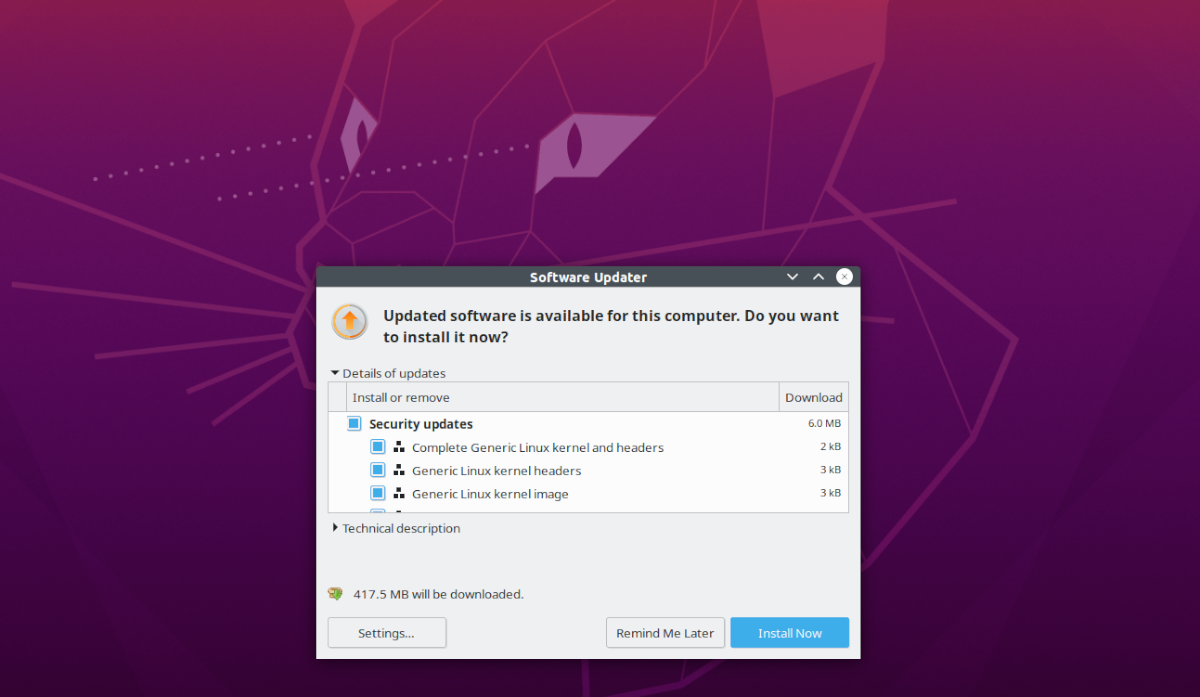
From there you can see what is being update and what the update does. You can even choose not to install one update or another or even not update a system component or another.
So, if you're afraid a new LO version may break compatibility with documents you work on but GNOME updates will improve usability, you can disable one specific update. Very simple and user friendly. For users who don't know, understand or don't care, they will simply click update.
Canonical is also planning to use snaps for some desktop or core components so they can have security updates automatically installed in the background. This is a somewhat polemic topic, but I understand their rationale: some people simply choose never to update because they have been burned by bad past experiences. Of course, the more advanced user can still disable it.