2 Screens Vertically ■̳̲
    2 Screens Horizontally ⫍⃮݄⫎⃯
    4 Screens in a 3-above-1 configuration ⫍⃮■̳̻⫎⃯
    3 Screens in a 2-above-1 configuration ⫍‗⫎
    3 Screens Horizontally ⫍⃮▬̲⫎⃯
For those having trouble with monitors being swapped around by the OS, there's also a Swap screen positions action in Shortcuts that you can bind to a hotkey to quickly fix this. It even swaps rotations, which is especially useful for those using portrait monitors (one at 90° and one at 270°).
> Check out the "Shortcuts" page to find some useful pre-made shortcuts that you can add with a click.
Is it possible to snapshot exact screen positioning using shortcuts? I'd like to take a snapshot of all my settings (orientation, refresh rate, hdr settings, and _exact_ screen positioning) and restore using a shortcut when ever it changes.
No, Lunar doesn't have that snapshot functionality because it's really hard to make it work for every possible setup. UUIDs can change between connections and the user can be left with an unusable snapshot. Or, because of how the HDMI/DP connection was negotiated, some display modes might not be available until a disconnect/reconnect cyle.
And it's impossible to detect the problem and convey it to the user when it happens, it mostly looks like an app bug no matter what I try.
But I am planning to add it in the future, at least in a rudimentary form.
[0] https://github.com/jakehilborn/displayplacer/issues/106#issu...
However I just saw that the project is no longer maintained as of... two days ago ! I guess I'll have to find an alternative down the road.
Unfortunately, with Ventura, they now hid the arrangement in a separate options window that takes extra clicks to reach. A step backwards :/
Unfortunately the new replacement allows them to not think very hard about how it's designed, just dump some everything in a list.
The issue log has several issues where Ventura users mention it not working at all, on M1 architectures. Can anyone on an M1 or M2 confirm this works for them? I'm still on Intel.
I have an occasional issue where one of my external displays switches from 60 Hz to 40 Hz, and I use displayplacer to toggle the refresh rate to reset the monitor back to 60: https://github.com/jacobwgillespie/dotfiles/blob/main/bin/fi...
Edit: found Display Rotation Menu via DisplayPlacer Github issues, which is so far the only tool that worked for me.
Source code in the same repo: https://github.com/alin23/mac-utils/blob/main/RotateDisplay....
As long as the system reports `true` for `canChangeOrientation`, then the CLI should work.
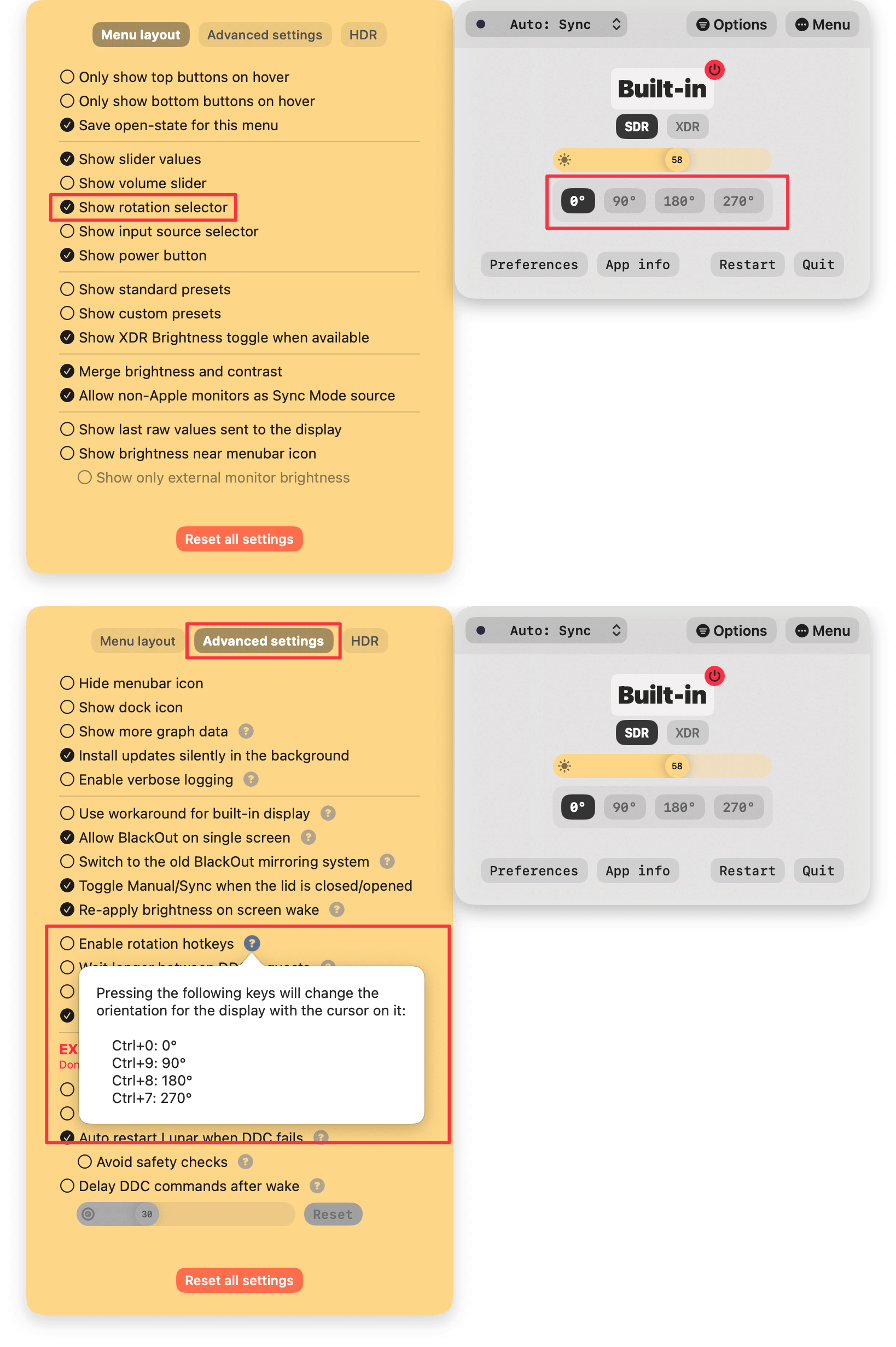
Lunar (https://lunar.fyi/) can also do that and provides some useful hotkeys if you happen to rotate displays often: https://files.alinpanaitiu.com/2106f2eac02df0c3eec379ef19965...
    mac-utils  ./bin/RotateDisplay sidecar 0
    ID  UUID                                Can Change Orientation  Orientation Name
    1   37D8832A-2D66-02CA-B9F7-8F30A301B230    true                    0°          Built-in Liquid Retina XDR Display
    6   BF8D0007-9573-49E5-8130-75991ECB2F15    false                   0°          Sidecar
    4   FB46E28E-5B98-475A-A610-C15237238C8D    true                    0°          LG Ultra HD

The display does not support changing orientation: Sidecar [ID: 6]I don't know what triggers it, but MacOS is really bad at changing these settings if you use multiple displays through the week (e.g. different coworking spaces).
Here is an example of a displayplacer command (it will generate this for you based on your current config, you just need to save and re-run it to get back to that state):
/opt/homebrew/bin/displayplacer "id:6696B81B-DF77-45C3-9D39-AFA151E17417 res:2560x1440 hz:74 color_depth:8 scaling:off origin:(0,0) degree:0" "id:353C959C-561C-48BA-B804-84C448FAF99F res:1440x2560 hz:75 color_depth:8 scaling:off origin:(-1440,-444) degree:90" "id:3892CD52-313D-4B1B-9743-DB3165484F16 res:1920x1080 hz:60 color_depth:8 scaling:off origin:(307,-1080) degree:0" "id:EB4F0496-96F8-4DA9-B14A-6023FE90C3B1 res:1440x2560 hz:75 color_depth:8 scaling:off origin:(2560,-499) degree:270"An Alfred action to run the displayplacer command and then after a second to activate my 'default' Moom window layout made for a great workaround.
Documented and explained here: https://spin.atomicobject.com/2018/08/24/macbook-pro-externa...
Possible fix: https://gist.github.com/ejdyksen/8302862?permalink_comment_i...
My exact script seems to be gone — goes to show that I've not needed it for a while now — but the gist of my workaround was:
• I set up my display arrangement the way I wanted,
• followed the instructions in the displayplacer repo to work out a command to reproduce the desired arrangement,
• put the displayplacer command and the AppleSript call to Moom in the same shell script, with a short sleep between the two,
• and created an Alfred action to make it a tiny bit more convenient for myself.
The display arrangement would get out of sorts, but getting it back to my liking was just an Alfred action away.
You don't have to use Alfred or Moom specifically, those are just the convenience utilities I prefer.
It seems like displayplacer is the spiritual and de facto successor to screen. [3]
[1] https://www.pyehouse.com/cscreen/#comments [2] https://apple.stackexchange.com/a/73696 [3] https://apple.stackexchange.com/a/173875
I use mirror-displays[1] (alongside Bunch, which also turns on VBAN Talkie for audio) now. Mirroring a screen is the only way to approximate disabled screens.
The feature is especially useful if you want to turn them off in software and keep them still connected to the Mac so that you can turn them on at a later time using a hotkey for example.
If you simply want to turn them off completely, just like you would press the physical power button of the monitor, then Lunar can do that by sending a DDC toggle power command, but there are some caveats to be aware of:
    works only if the monitor can be controlled through DDC (most monitors work)
    can't be used to power on the monitor
    when a monitor is turned off or in standby, it does not accept any commands from a connected device
I have to reset this setting in Settings -> Display every few hours when the connection gets disrupted between my two macs for unknown reasons...
The next step would be to have it auto-run when monitors were attached but this works well enough for me. displayplacer for monitor alignment, phoenix for window management, and my own hacked together mousejump for jumping over the monitor gaps make for an awesome experience.
Similar with code editors: it should be smart enough to re-arrange my docks based on screen size. When I have big screen, expand side and bottom sub-windows. When I’m just on laptop screen, auto hide them.
But I see Ivan very determined to solve this.
The windows with this parent process go here thing can be solved easily, and can even be done as a one-liner with yabai. Example of moving all the windows of Sublime Text to display 2:
yabai -m query --windows | jq '.[] | select(.app == "Sublime Text") | .id' | xargs -I '{}' -- yabai -m window '{}' --display 2
yabai -m rule --add app="Sublime Text" label="sublime-display-2" display=2
It has this much power because it uses macOS's private APIs from SkyLight.framework (the macOS window and display manager): https://github.com/koekeishiya/yabai/blob/master/src/misc/ex...