I've been implementing it since July last year. I'm still developing / improving it. Well, Apple just approved the latest version.
Well, it's not LightTable, but with it, you can commit to GitHub and deploy to Heroku, StackMob, or AppHarbor from your iPad.
Thus, you can run Python, Ruby, etc from the iPad. Worqshop will transfer the code to server, execute, and bring the results back to the iPad. Seamlessly and transparently.
The problem is that certain punctuation symbols (: . { }) are used often and they require a modal change to input them. I point to iSSH because the ability to reconfigure the keyboard makes it easy to type large blocks of code.
On normal computers, the existence of a trackpad or mouse makes navigating code possible. But on the iPad, I see a huge need for the kind of editing that VIM (or Emacs) enabled where you don't need to move your fingers from the keyboard to navigate. Sadly, the only way to have that on the iPad, right now, is running VIM in iSSH (needs server connection) or the ported VIM which doesn't run correctly on my iPad 3.
A keyboard like this (for Vim or otherwise) could seriously change the game for text editing.
Have a special 'keyboard' for entering snippets. Have one for navigation. Have one for actions. Combine them like you combine Vim motions/actions.
Now that is something I look forward to. Maybe that Logitech keyboard with little screens on each character was indeed a glimpse into a better future.
And I think you mean the "Optimus" keyboards -
I'm gonna guess that people using VIM/Emacs is so small a part of the market that apple told us to go pound sand.
Hell, even running emacs across iSSH to a linux server is completely screwed up: Bluetooth keyboards put out multiple key sequences through the iPad.
Please correct me if my info is outdated. Pretty-please. Esp because I would love emacs on the iPad/bluetooth keyboard even if through ssh.
http://yieldthought.com/post/12239282034/swapped-my-macbook-...
I understand your point about the small market, but if the target audience is developers, then I think that VIM or Emacs compatible keybindings (if only a small subset for movement and selection) are an attractive feature. On the Mac, SublimeText and AppCode, both beloved editors, feature Vim Bindings. And even some of the Cloud Editors (like Ace or Cloud9) have Vim bindings.
I hope it's just a matter of time until the first iPad editor with bindings comes out - and I'll buy right away :)
The iPad screen should be ideal for making selections with your fingers directly because the keyboard and the code are so close together.
It currently doesn't feel ideal, I agree, because text boxes are designed to prevent you shooting yourself in the foot when you touch the screen by accident. A power-user tool could remove a lot of the safety and slowness from making selections.
Vi(m) was designed too wire your brain to a cursor via a keyboard. Patching the iPad and Vim, Emacs, etc to work on a touch screen feels like missing the point. Kudos to the people behind Swipe and LightTable, who are looking for the next interface paradigm instead.
Right now our world it text based. And efforts like this make that circumstance better IMO.
Downside, trying Worqshop out and it crashes as soon as I enter my credentials when creating a new project. Consistently. I really hope this gets fixed quickly. (I'm on a 3rd gen iPad, the "new" one, and am using a bluetooth keyboard. Edit: though it crashes without the keyboard on, too. Fully up-to-date and everything.)
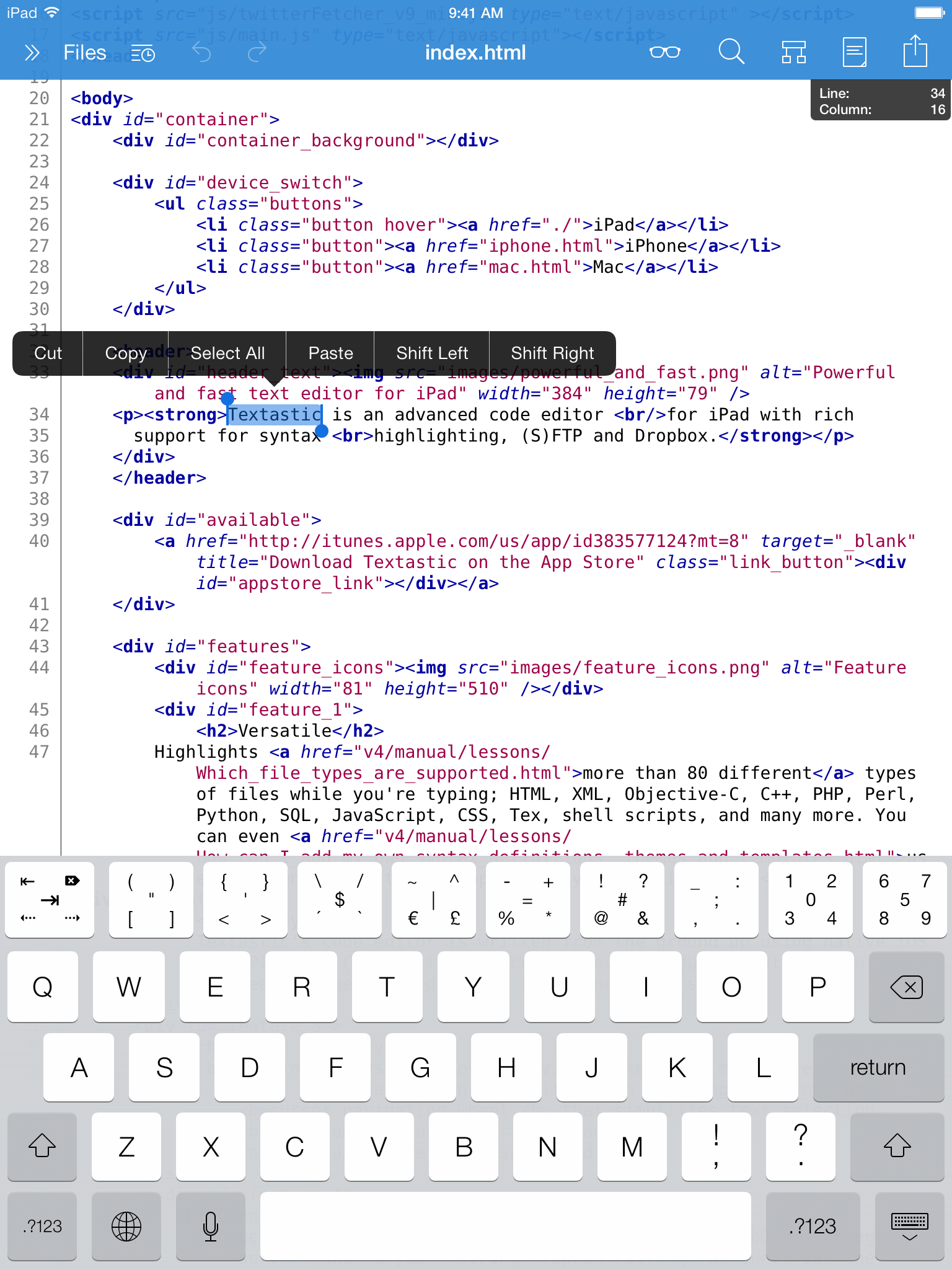
One minor comment: the text in the screenshots is very hard to read without enlarging, and looks blurry at least in iTunes on my mac. I would make the font a little bigger, perhaps like Textastic or even slightly bigger.
Also, the bright green for the comments is a little too... bright.
This is minor stuff but it affects the first impression a perspective customer might have. An easy fix though. =)
Big question that I couldn't see an answer to in the screenshots: how do you tab?
Also, is there any chance of custom syntax highlighting for people like me who need to code in languages like (say it quietly) PHP from time to time?
I use it to keep track of my servers while travelling. Doing Java homework for a class was OK also: ssh xterm emacs Makefile - really worked OK.
If this is good, I'm going to buy a bluetooth keyboard for the iPad tomorrow.
A laptop is much more productive:
- A proper keyboard
- Ability to install whatever applications required for the classes
- No need of internet connection for software development
- Proper office like tooling for school reports
Just a very small issue with the website: I wanted to click on the screenshot on the homepage, but it didn't work. I expected it to be clickable and do the slideshow.
I guess the obvious thing otherwise would be iSSH to your own GNU/Linux box and Emacs
Could you talk a bit about how you did the text rendering? Basically my question is, how do you render nice text?
but regardless of my question, looks good man
Feature request: hooper selection.
All our code is already on GitHub, with hosted Continuous Integration (Travis for the Open Source parts), and Heroku for deployment of the new Node.js projects. So migrating to a tool like this ought to be feasible.
The iPad is no good for any kind of authoring. I own one, love it but can hardly make myself even type a 3 sentence email on it, let alone code.
I'm afraid you've waisted a year.