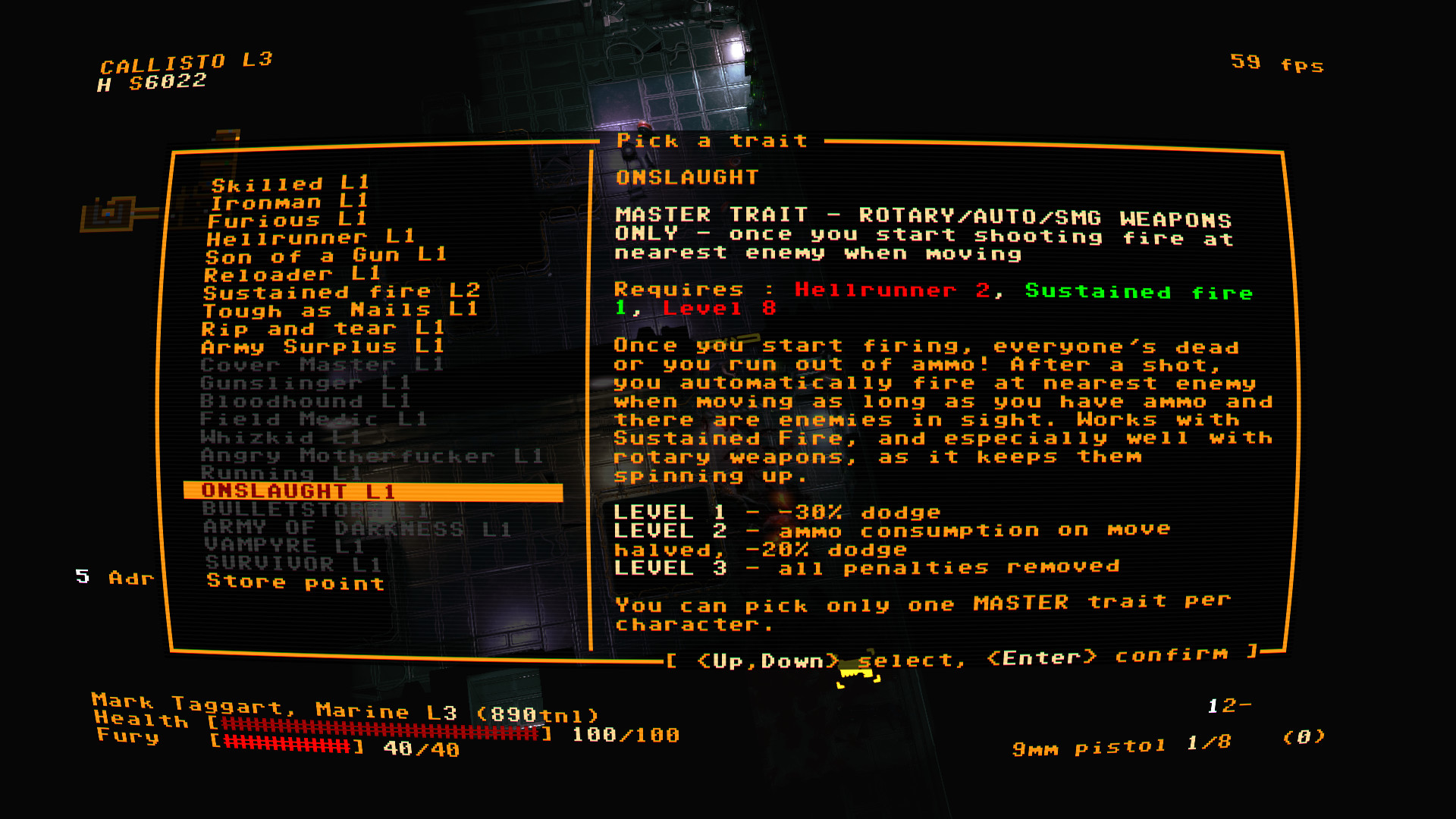
For those looking at the screenshots note that the terminal is incredibly customizable, you don't have to have all the effects dialed up to 11!
Sadly bit rot has set in and the project doesn't work that well now days. Also a lack of tab support really hurts it as a daily driving terminal.
I also have it set up to do adaptive theme, so in light mode the galaxy is mostly just a little noise on the black text but in dark mode it’s like I’m piloting a space ship. Highly recommend.
I also documented a few other shaders on my blog here: https://catskull.net/fun-with-ghostty-shaders.html
Edit: I use the "starfield" shader, not the "galaxy" shader. Doh!
Fun with Ghostty Shaders 22 Feb 2025 — Ghostty doesn't directly support shaders, but a repo with shaders can be cloned to ~/.config/ghostty/shaders. Examples include 'drunkard+retro- ...
Now, no where in the text on the site does it say this - so did google just wrongly summarize and put it in as "website text". To be clear, this isn't an AI overview - its in the main list of links! Maybe this has been happening and i just missed it but its absurd! It doesn't even fit with the text! Thanks for the resource, again, had a lot of fun with that.
    #define DIRECTION 0.25

    // usage:
    vec2 q = DIRECTION * uv * (1.0 + fi * DEPTH);
https://github.com/0xhckr/ghostty-shaders/blob/main/starfiel...
I'm not sure what "galaxy" looks like but it might not have worked or shown nothing.
For some, perhaps.
I've not needed tabbed terminals ever since vim got proper terminal support. I run shells within vim, so have them in splits, tabs, etc in a plain xterm.
Sorta like a tmux replacement, but with better editor support :-)
Nah, we're just lazy :-)
Need a shell? Why leave vim? Need to connect to and issue SQL queries to diagnose a database? Why leave Vim?
The actual hardcore folk are those Emacs weenies.
Need a shell? Use Emacs.
Read email? Use Emacs.
Manage my calendar? Emacs.
Note taking? Static website builder? Browse websites? Git client?
Emacs, Emacs, Emacs and (you guessed it) Emacs.
Spreadsheet, File manager, Remote editing, Calculator, Dictionary/Thesaurus ... all Emacs.
Those guys seriously need a therapist ... of course, Emacs has that too (Good 'ol M-x doctor)
There were plenty of junk CRTs out there used for text only display with insane levels of persistence and other issues that lead to a very unique appearance. It's also sort of moot at this point. The existing CRTs out there that have this behavior have degraded over the years. No one makes new high persistence CRTs that I am aware of. So it's mostly down to our memory of them.
I actually have a flat panel that has over 2 decades degraded and now has some weird persistence going on.
I've got one that is inside an Apple II monitor. Can confirm, the image looks very flicker-free, but has pretty bad ghosting if you're looking at anything that scrolls. It looks cool but is pretty rough to do any work on. The other green CRTs I have are barely more persistent than a regular black and white TV, and I've never heard of a long persistence color monitor.
I don't really see the problem with what's written on the tin here; it's called retro-term and not vintage- or classic-term, after all (I didn't read the project's webpage). In other words: It's correctly advertised as something new that's just fashioned on something from yesteryear. So you can really go overboard with technically inaccurate, kitschy glitchshit that's so popular with crowd. Of course, historically challenged people will fall into the trappings of a romantically distorted past they never were a part of. As they always did and always will. But that's just life.
Amusing that it can lead to a romantically distorted future for those terminal users.
As someone who came up in that era, I would never want to regain those barrel distortions or incoherent pixels I saw in some of the heavy-handed retro terminals. I paid good money for flatter CRTs and also jumped to LCD with a digital input (DVI) as soon as it was a general option I could justify on a work computer order.
I'm also happy not to be hearing the constant whine of CRT coils, HDD drive motors, or even so many cooling fans these days.
But I'm not surprised they don't go overboard with that in the emulators. They'd probably have to add PSE warnings if they did.
Agreed. It’s sad but I think that unless you were born in the 70s, you may not be old enough to have seen enough CRT terminals to know the difference.
We need at least one CRT terminal in each city so that kids have a chance to experience a real one.
I had a lot of fun with Tektronix 4010 series storage-tube CRT terminals.
In real life they had crisp lines and rarely any perceivable flicker (depended how far you pushed the ray trace line length)
https://en.wikipedia.org/wiki/Tektronix_4010
https://www.youtube.com/watch?v=2SbCIP1m6hs
You could drive them (in my experience at least) with a PDP-11, an Apple ][, a BBC micro, or a transputer breadboard.
I think what bothers me most is the horizontal line that slowly moves across the screen every few seconds. It's an artifact of recording a CRT on film and doesn't occur when you look at a real monitor...
The bloom is also too blobby, because it's a gaussian blur. I ran into the same issue trying to implement a similar effect. The bloom shape needs to sharper to look realistic -- which also means unfortunately a non-separable blur.
if your task is boring, update the desktop's background. if your task is boring, spend hours upon hours choosing which font is better for your IDE/terminal. if your task is boring, you'll find anything to put off doing the task
Recommending Friendly Orange Glow (Doer, 2018), btw. Fun read. https://www.penguinrandomhouse.com/books/545610/the-friendly...
It's screen: https://shared.fastly.steamstatic.com/store_item_assets/stea...
The only thing missing would be frame-to-frame data availability to make persistence possible - Windows Terminal has shaders, but they can’t access the previous frame.
ctrl+f shader
Ghostty with shaders on the other hand gives me all the functionality AND the effects. Some people may not have figured this out yet but you can stack multiple shaders on top of each to get some really cool combination effects.
Again, not criticizing this effort. Just saying that I love being here in the 21st, thank you very much.
https://github.com/DemonKingSwarn/retro-hyprland
I haven’t used it and have no idea if it works. Now that my eyes are shot I don’t mind losing fidelity for a bit of atmospherics when doing some casual computing (eg checking email with Pine like it’s 1999.)
If I weren’t so lovingly tied to niri I would like to give this shader a go. Nostalgia is one hell of a drug.
/usr/libexec/xscreensaver/phosphor -scale 2 -delay 0 -program $SHELL
But it seems buggy at rendering some unicode characters, I use vertical line[0] for my indentation guides in Neovim, and they look outright hideous in cool-retro-term[1]
https://en.wikipedia.org/wiki/Luxi_fonts
interesting
When MacOS 9 was a thing, I had an extension called “out of context menus” that added options such as “Gaussian blur” the the context menus so you could blur a window.
It actually resembles early LCDs more than CRTs!
Undoubtedly, that must be a parameter you can tweak.
cool-retro-term has been deprecated because it does not pass the macOS Gatekeeper check! It will be disabled on 2026-09-01.