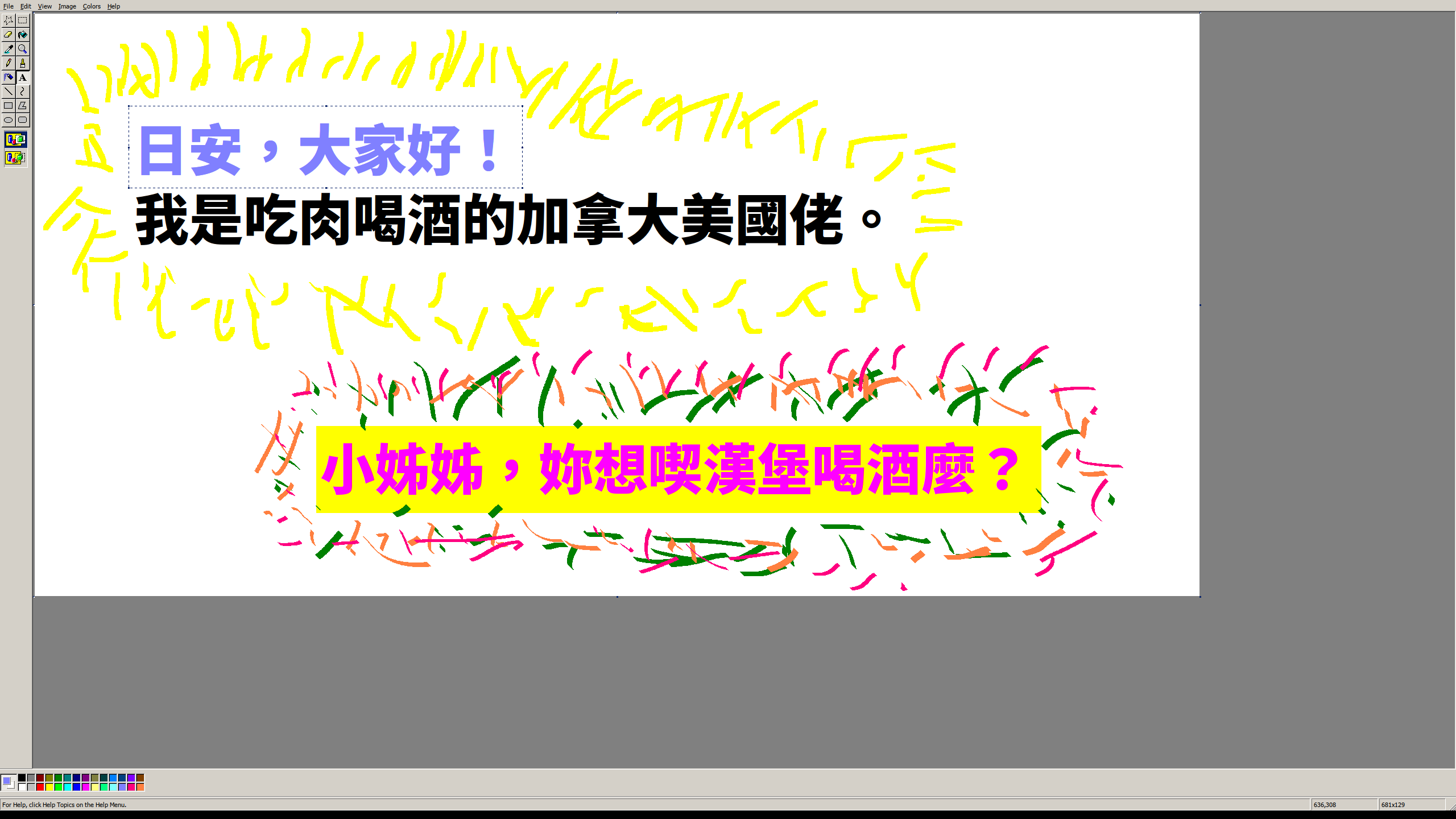
It's free but it's also available in Microsoft Store as a paid product, which gets automatic updates as a small extra and mostly works as a donation towards the developer.
I power through these feelings and download it anyway, knowing what wonderful software awaits on the other side, but it's really hard to shake those thoughts.
I don't much care for the ribbon but I'm used to it now. Hitting WinKey-R, mspaint, [Enter] is still my goto for simple picture editing, even just recording a screenshot despite the existence of the snipping tool...
Other than the minor annoyance of getting used to the ribbon I felt as if I was still using the same old paint when I did this.
It does have some nice features, like the premade shapes and brushes, but those could have been added to the previous MS Paint application without breaking its UX.
1. Can't select secondary colour with right click
2. Needs way more clicks to get a filled Rectangle
https://answers.microsoft.com/en-us/windows/forum/windows_10...
https://kde.org/applications/graphics/org.kde.kolourpaint
http://www.kolourpaint.org/screenshots.html (that website could use an update...)
Is Kolourpaint available as a website I can visit right now? Lots of editors are "better" from a feature standpoint. That's not the feature that is relevant to the discussion.
Well you are in luck: https://archive.org/details/MSPaintWinXP
I use this all the time on my Windows 10 box.
Just download, rename to "mspaintxp.exe" and put it in C:\Windows\System32. Optionally update Paint shortcut to point to that one so when you type "Paint" in start menu that's the new default.
It's really sad that one of the world's biggest software companies can't make a fully-working calculator.
added: totally necessary proof https://qui.suis.je/drop/peakfun.png
Paintbrush was the closest thing I could find here, but it glitches out on me occasionally and the UI isn't as simple. I may just take the 20 minutes to do what you recommended under Wine. Thanks!
My quintessential perfect tool is always the Preview App on macOS:
You can add simple shapes, arrows and text to any images. You can rotate, crop and resize images. You can reorder, rotate, split and merge PDF documents.
That’s all very well tailored to most common use cases. In terms of image editing I guess you can do all that with Paint but it seems clumsy to me. Not really fit for that purpose.
And if I don’t want to mark something up but create something new (which will typically heavily rely on text even if it’s more visual, like a birthday invitation) the text editing is too weak to get anywhere really useful, so for that I would rather use some kind of either text editor or layouting program.
At some point Microsoft just forgot how to make software like this - sometime between 2005 and 2010 I think. OSes no longer come with simple, lightweight tools that are unsophisticated and just do what you want
Note: this is in no way affiliated with Microsoft, its merely a fan project based on my love of Windows XP
Good work.
He takes requests.
* it works totally offline (it performs no XHR requests and none of the libraries are linked to CDNs or other sites)
* is contained within a single ~1 MB in size .html file (I baked all images, scripts, style sheets, etc. within a single file)
* is lighter, as I removed some features to keep it closer to the original (but kept a few like the history and rendering as a GIF)
* is Win XP themed instead of Win 95
To this day I still take screenshots (PrtScn) and save them using pbrush (WinKey+R pbrush).
"XP Paint is a fork of the web-based remake of MS Paint called JS Paint."
document.body.style.zoom = 1 / window.devicePixelRatioAnd I think it should only save to localStorage, so that saving a few images would fill up all the space like I quickly did on my few GBs hardrive.
It's cool that you like it, but that's a surprising way to describe it. As I recall (as a user of windows 3.1, 95, ME and XP), the consensus was that Paint was a retro holdover, like Minesweeper and Solitaire. People appreciated it in a kitschy retro way.
We still have Notepad.