Lighten, Screen, Addition, Darken, Multiply, Linear burn, Hard Mix, Difference, Exclusion, Subtract, Grain Extract, Grain Merge, or Luminance.
You actually don't need any image editing skill. Here is a browser-only solution:
1. Take two screenshots.
2. Open these screenshots in two separate tabs on your browser.
3. Switch between tabs very, very quickly (use CTRL-Tab)
Source: tested on Firefox
Are you going to share your two screenshots, and provide those instructions, with others? That seems impractical.
Video recording is a bit less impractical, but there you really need a short looping animation to avoid ballooning the file size. An actual readable screenshot has its advantages...
Thank you forever for this, I ever used Ctrl-Page up/down for that.
A friend of mine made a similar animated GIF type captcha a few years ago but based on multiple scrolling horizontal bars that would each reveal their portion of the underlying image including letters, and made a (friendly) bet that it should be pretty hard to solve.
Grabbing the entire set of frames and greyscaling them, doing an average over all of them and then applying a few minor fixups like thresholding and contrast adjustment worked easily enough as the letters were reveleaed in more frames than not (I don't think that would affect the difficulty much though if it were any diffierent). After that the rest of the image was pretty amenable to character recognition.
https://digital-photography-school.com/taking-photos-in-busy...
https://petapixel.com/2019/09/18/how-to-shoot-people-free-ph...
But it only works well if the crowds move out of the way reasonably quickly. If we're taking about areas packed with people all blocking a certain area, and you need hours of shots, the change in ambient lighting over time will have negative effects on the end photo.
Opus 4.1 flagged the message due to prompt injection risk, Gemini made a bad guess, and GPT 5 got it by using the code interpreter.
I thought it was amusing. Claude’s (non) response got me thinking - first, it was very on brand, second, that the content filter was right - pasting images of seemingly random noise into a sensitive environment is a terrible idea.
BLIT protection. https://www.infinityplus.co.uk/stories/blit.htm
Only if your rendering libraries are crap.
Here it is in Pixelmator Pro: https://i.moveything.com/299930fb6174.mp4
They even provide the source code for the effect:
It reminds me of the mid-1990s video game Magic Carpet.
https://en.wikipedia.org/wiki/Magic_Carpet_(video_game)
This was a pseudo-3D game and on an ordinary display it used perspective to simulate 3D like most games. If you had 3D goggles it could use them, but I didn't.
However, it could do a true 3D display on a 2D monitor using a random-dot stereogram.
https://en.wikipedia.org/wiki/Random_dot_stereogram
If you have depth perception and are able to see RDS autostereograms, then Magic Carpet did an animated one. It was a wholly remarkable affect, but for me anyway, it was really hard to watch. It felt like it was trying to rotate my eyeballs in their sockets. Very impressive, but essentially unplayable and I could only watch for a minute or two before I couldn't stand the discomfort any more.
Also playable in the browser: https://playclassic.games/games/action-dos-games-online/play...
Really clever use of a TV remote as controller.
https://www.youtube.com/watch?v=Bg3RAI8uyVw
The effect is disrupted by introducing rendering artifacts, by watching the video in 144p or in this case by zooming out.
I'd love to know the name of this effect, so I can read more about the fMRI studies that make use of it.
What I've found so far:
Random Dot Kinematogram
Perceptual Organization from Motion (video of Flounder camouflage)
So, sure, you could try to implement this by having a seam that is made to "reverberate" back and forth "across" the outlining pixels of a static shape on each frame. But that's not exactly the same thing as selecting the outline of the shape itself and having those pixels update each frame. Given the way this algorithm looks to work, pushing the seam "inwards" vs "outwards" across the same set of pixels forming the outline might gather an entirely different subset of pixels, creating a lot of holes or perhaps double-counting pixels.
And if you fix those problems, then you're not really using this algorithm any more; you're just doing the much-more-boring thing of taking a list of pixel positions forming the outline and updating them each frame. :)
In the OP the foreground pixels continuously change (scrolling in this case) while the background doesn't change. That's a different method of separating background and foreground.
https://upload.wikimedia.org/wikipedia/en/a/ab/AnyMinuteNow....
Sometimes friction is enough.
While a screencap image hides the message, a screencap video shows it perfectly well.
On iPhone: screenrecord. Take screenshots every couple seconds. Overlay images with 50% transparency (I use Procreate Pocket for this part)
https://www.youtube.com/watch?v=bVLwYa46Cf0
And another version of this, using apples instead of white noise
Perhaps faces would be strongest in terms of reaction.
The screenshot would have a chance of capturing the text, depending on exactly when the screenshot pulls pixel data out of the framebuffer.
This might not work on certain devices. You need access to the refreshing timing information. The capture mechanism used for screenshots might also vary.
compare image1 image2 -compose src diff.png
I think further obfuscation could be possible by uglifying the script and providing a SVG path that stores the text as some vector image.
Self modifying code could be useful too, to delete the SVG data once it is in the canvas.
I fully expect this to still be defeated by AI though, such is my presumption that AI is smarter than me, always. It won't care about uglification and it would just laugh to itself at my humble efforts to defeat Skynet.
Regarding practical applications, nowadays kids sell weed online quite brazenly on platforms such as Instagram. Prostitutes also sell their services on Telegram. It is only a matter of time before this type of usage gets clamped down on, so there may come a time when this approach will be needed to thwart the authorities.
- The captcha would be generated like this on a headless browser, and recorded as a video, which is then served to the user.
- We can make the background also move in random directions, to prevent just detecting which pixels are changing and drawing an outline.
- I tried also having the text itself move (bounce like the DVD logo). Somehow makes it even more readable.
I definitely know nothing about how LLMs interpret video, or optics, so please let me know if this is dumb.
Wasn't that the whole point of Anubis?
Some countries switched to identity apps instead of plastic identity cards. You could make sensitive data non-screenshottable and non-photographable.
A modern variant to the passport anti identity fraud cover: https://merk.anwb.nl/transform/a9b4e52a-9ba1-414b-b199-29085...
The hotel you are checking in doesn't need to know your DOB, length, SSN, birth place, validity and document number. But they will demand a photo of the ID anyway.
That made me curious, so I took a photo of my laptop screen running this page.
With default camera settingse, the text wasn't visible to me in the photo on my phone screen.
However, setting the exposure time manually to 0.5s, the text came out white on a noisy background and I could easily read it on the phone screen.
I would not be surprised if the default camera settings photo could be processed ("enhance!") to make the text visible, but I didn't try.
Looks like I consistently get just the static image when I open in a new tab then switch to it, but then if I refresh the page without switching tabs it'll show the animation.
This is on MacOS 15.6, Chromium (BrowserOS), captured with the OS' native screenshot utility. Since I was asked about the zoom factor, I now tried simply capturing it at 100% and it was still perfectly readable...
I guess the trick doesn't work on this browser.
This is untrue in at least one sense. The patterning within the animated letters cycles. It is generated either by evaluating a periodic function or by reading from a file using a periodic offset.
Roughly you create another full size rect. On each frame add a random pixel on row 1 and shift everything down.
Make that rest a layer below the top one which has Hello cut out as transparent.
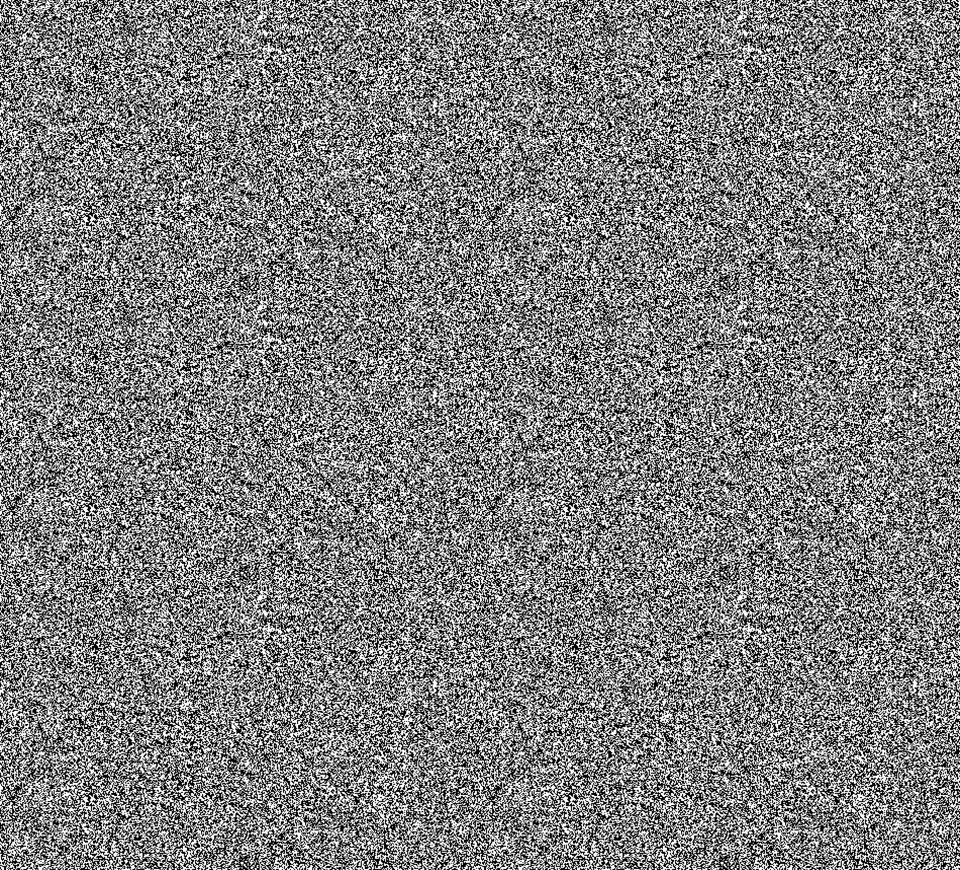
In any single frame the result is random noise.
Random noise as in a normal non-tech human cannot see anything discernable to them at all, without the motion component.
I always wanted to make text that couldn't be recorded with a video recorder, but that doesn't seem possible.
Maybe if you knew the exact framerate that the camera was recording at, you could do the same trick, but I don't think cameras are that consistent.
At first I was worried that there was a (stupid) API in web browsers just like on mobiles to prevent users from screenshotting something by blanking the screen in the screenshot.
I like the idea of motion revealing things out of randomness and screenshots are random.
You can just take a screencast though hehe
Also, it's even harder to read than most captchas.
But fun idea, it was nice to see.
But doing this on a massive scale would warm the planet.
And it's not friendly accessibility-wise.
I feel like there’s an ethical issue. If something is on my screen I own it. I know the law doesn’t agree but it feels right to me.
The culprit had more than 10k photos of all security details for thousands of wealthy customers.